
[ Case study · /02 ]
Papawash: Selfie Attendance & Payroll.
Selfie attendance and automatic payroll for a laundry business, run from a shared store phone and an owner dashboard.
- CategoryCustom system
- Year2026
- ChannelsStore phone, web, Telegram
- IncludesAttendance, payroll
[ Overview ]
Attendance and payslips without the spreadsheet.
A laundry business in Solo tracked attendance by hand and built every payslip in Google Sheets, including overtime. We replaced both with one small system that fits how a single owner and a small team actually work.
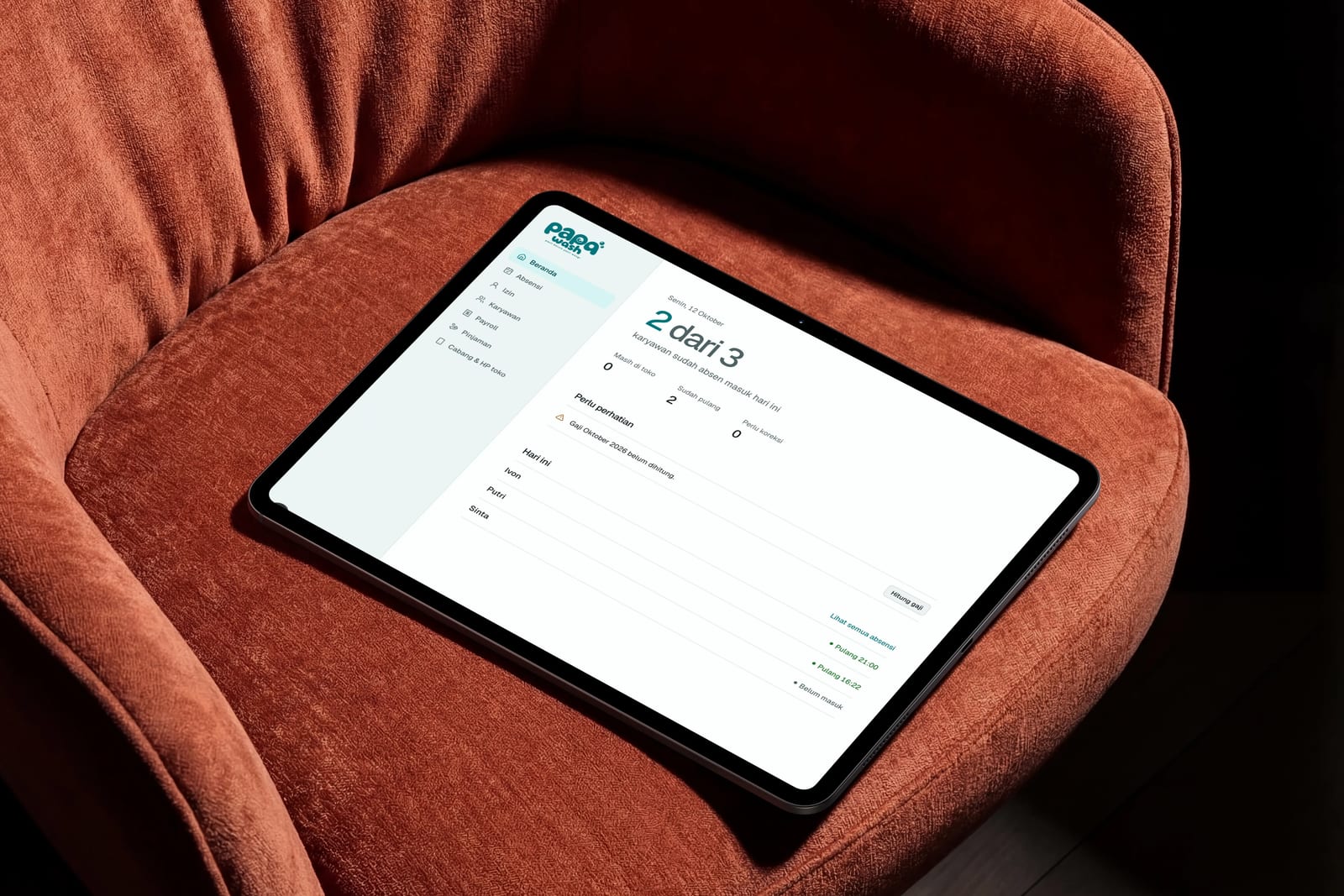
Staff clock in and out with a selfie on one shared store phone, with nothing to install. Payroll is then calculated from that attendance, and the owner reviews it in a web dashboard and shares the payslip.
[ Challenges ]
What had to be solved.
-
Overtime counted by hand
Every month the owner worked out hours and overtime for each person and typed the result into a sheet. It was slow, and a single slip changed someone's pay.
-
Clocking in had to take seconds
Staff are busy on the shop floor, often with wet hands. Anything slower than a few taps would be skipped, and the app could not require installing or logging in.
-
One shared phone, many people
With a single phone for the whole shop, the system needed proof of who clocked in, without PINs or accounts for every employee.
-
Forgotten clock-outs
When someone forgets to clock out, the day is ambiguous. Guessing a time would put the wrong number on a payslip, so the system had to leave that call to the owner.
[ Solution ]
From a selfie to a payslip.
We kept the shop-floor side to a few taps and put the calculation behind it.
-
Pick your name
On the store phone, an employee taps their name from the list of active staff at that branch.
-
Take a selfie
The front camera takes a photo and the server records the time. The system works out clock-in or clock-out by itself.
-
Payroll builds itself
Base salary, overtime, loan installments and unpaid leave come from attendance. The owner adds bonuses or deductions, then locks the month.
Also in the dashboard
-
Attendance with photos
A daily table with the in and out photos side by side, plus corrections and manual entries that record who changed what and when.
-
Monthly recap and Excel
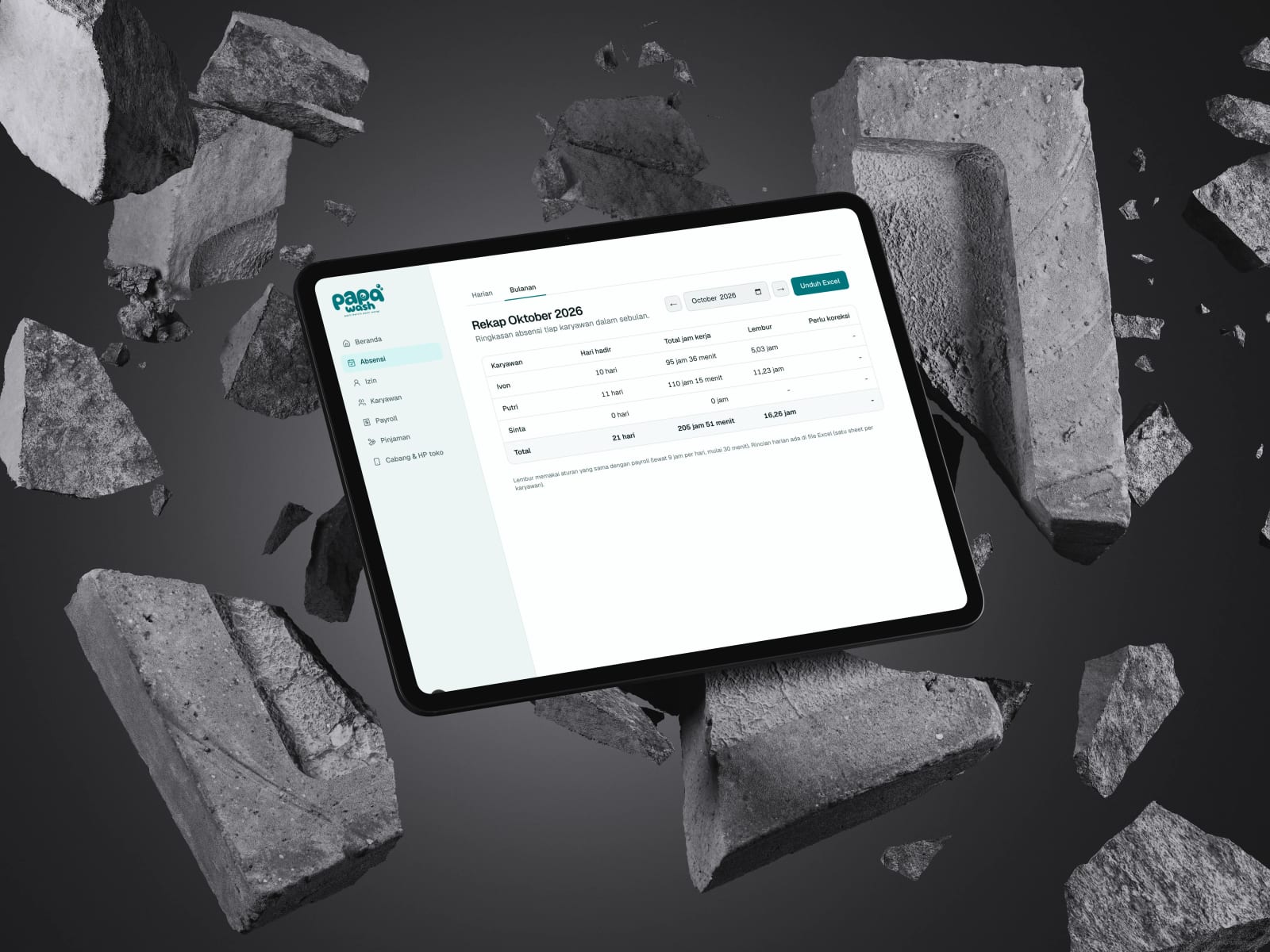
Days present, hours worked and overtime per person, downloadable as a spreadsheet with a daily sheet for each employee.
-
Payslips as PDF
Each slip lists every earning and deduction and where it came from. Download the PDF or share a link the owner can revoke.
-
Leave and loans
Leave records feed deductions into payroll, and loan installments are taken off automatically until the balance is paid.
-
Owner bot on Telegram
A daily summary, reminders for missing clock-ins and month-end payroll, and chat commands to check status or log leave.
-
Branches and devices
Pair a store phone with a one-time code, revoke it when the phone changes, and add branches as the business grows.
[ Results ]
What changed.
-
No more manual overtime
Overtime comes straight from clock-in and clock-out times, so the owner stops doing the sums at the end of the month.
-
Every amount is traceable
Each line on a payslip is marked as automatic from attendance or added manually, so any number can be checked.
-
Clocking in in a few taps
Name, selfie, done. No app to install and no login for staff.
-
Nothing guessed
Days with a missing clock-out are flagged for the owner to correct, and payroll never fills them in on its own.
[ In their words ]
Before, I worked out overtime and built every payslip by hand in a spreadsheet. Now the team clocks in with a selfie, and I only check the numbers and share the slip.
[ Next project ]
Need a system like this? Let's talk.
Free consultation, no obligation. We usually reply within one business day.